
The Truth About AI Generated Images in Web Design
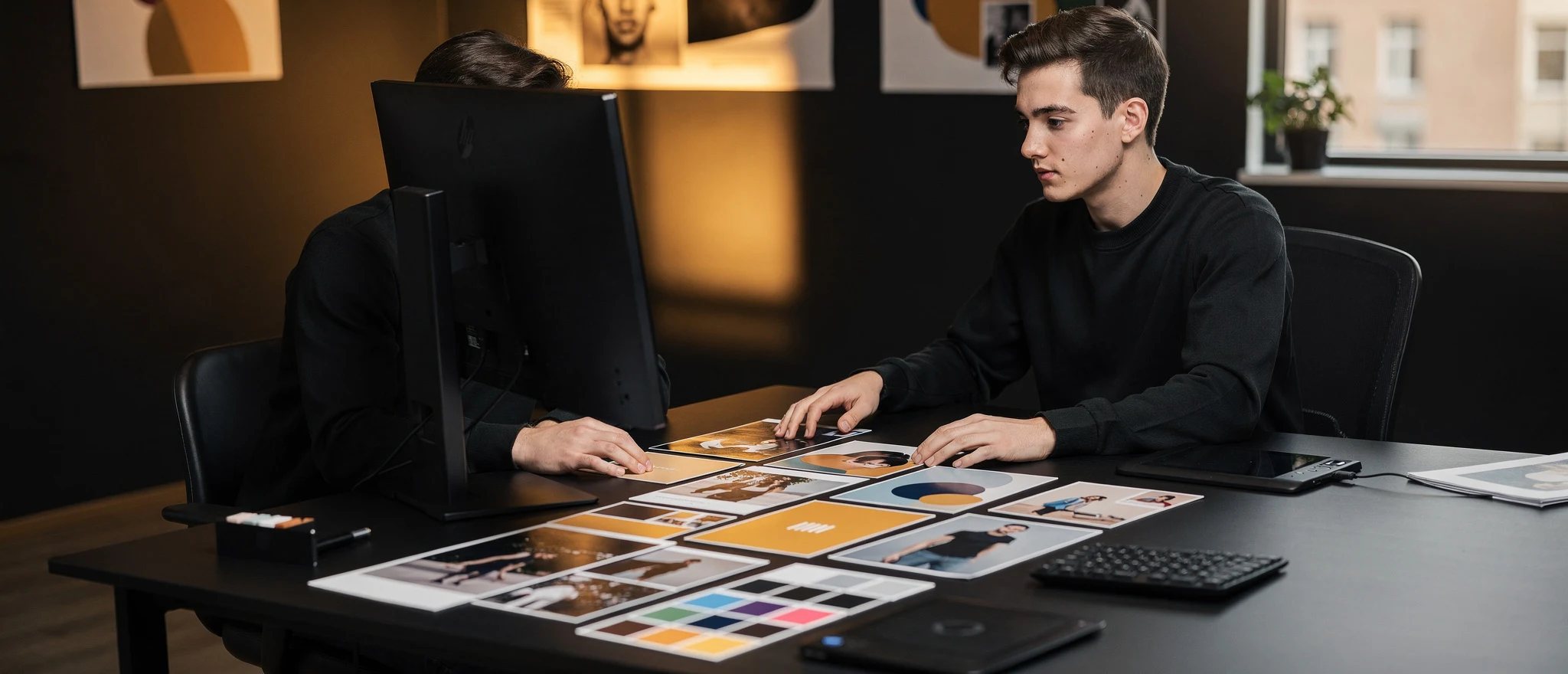
AI image generators have moved fast. The output quality from tools like Midjourney, Adobe Firefly and DALL-E 3 is genuinely impressive now, good enough that plenty of professionals use them in real commercial work. But 'looks good on screen' and 'ready for a website' are two different things, and the gap between them is where most projects quietly go wrong. Licensing, file size, alt text and plain old trust are all factors worth thinking through before you drop an AI image onto a client page.
On this page
- Adobe Firefly is trained on licensed and public domain content, unlike most other tools.
- A typical Midjourney output arrives at 2,048 pixels wide and over 2MB.
- Compress hero images to under 150KB and inline body images to under 80KB.
- AI images work for blog illustrations but not where images must prove trust.
Last updated


What AI Image Tools Can Actually Do Now
The output ceiling has risen sharply. Modern generators handle photorealistic scenes, abstract textures, illustrated styles and composite concepts with a consistency that would have seemed unlikely a few years ago. For blog headers, background visuals and conceptual artwork, the quality is there, and it’s hard to argue otherwise.
Where things get complicated is specificity. Ask a tool for a generic ‘modern office’ and you’ll get something usable. Ask for a specific product, a real person, or a scene that needs to communicate something precise, and the cracks appear quickly. Hands still go wrong. Text inside images is frequently garbled, and fine details at small sizes often collapse into mush. These aren’t reasons to dismiss AI images outright, but they are reasons to look carefully before you publish.
Licensing and Ownership
This is the area where caution is most warranted. The legal position around AI-generated images is not settled, and platforms take meaningfully different positions in their terms.
Adobe Firefly is trained on licensed and public domain content, which gives it a cleaner IP story than most other tools currently on the market. Midjourney’s terms grant commercial use rights to paid subscribers, but ownership of the output is a live legal debate, not a closed question. Some platforms claim rights in the output themselves. Others make no warranties about whether a generated image resembles something already protected by copyright, which puts the risk squarely on you.
For a personal blog post, that risk may feel abstract. For a client’s service page or product listing, it is more concrete. If an image you generated bears a close resemblance to a photographer’s work because that photographer’s images were in the training set, you may have a problem that no terms of service fully protects you from. Read the small print of whichever tool you use, keep a record of what you generated, when, and under which account tier.
File Size, Format and Performance
Most AI tools deliver output as a large PNG or a high-resolution JPEG. Neither is web-ready as downloaded. A typical Midjourney output might arrive at 2,048 pixels wide and north of 2MB. Put that directly on a page and it will hurt your Core Web Vitals score, particularly Largest Contentful Paint.
Before any AI image goes onto a live page, it needs the same treatment you’d give any other asset. Convert to WebP. Resize to the largest dimension the layout needs. Compress without destroying quality. Add explicit width and height attributes so the browser can reserve space before the image loads. None of this is difficult, but it is a manual step that the generation tools don’t handle for you, and it gets skipped more often than it should.
A quick pre-publish checklist
- Convert to WebP or AVIF
- Resize to match the maximum rendered width
- Compress to under 150KB for most hero images, under 80KB for inline body images
- Set explicit width and height in HTML
- Use lazy loading for images below the fold
Accessibility and Alt Text
AI images often contain layered, ambiguous detail. A generated scene might include a person, a background object, some implied context and a mood, none of which is cleanly separable. Writing accurate alt text for that is harder than it sounds, and almost nobody thinks about it at generation time.
If an image is decorative, an empty alt attribute is the correct approach. If it carries meaning, the alt text needs to convey that meaning, not just describe what’s visible. Writing alt=”AI generated background image” and moving on is not accessibility compliance. It’s a missed obligation.
A proper workflow prompts for the alt text before or immediately after generation, while the intent behind the image is still clear in your head. What were you trying to communicate? Write that.
Where AI Images Fit and Where They Don’t
For blog illustrations, abstract section backgrounds and conceptual visuals, AI generation is a time-saver that produces results good enough for the context. Nobody expects a blog header to be a photograph. That’s a perfectly reasonable place to use these tools.
Service pages are a different matter entirely. Team photos and product imagery that look slightly off, or portraits that feel uncanny, do damage that’s hard to measure but easy to feel. Visitors to a service page are assessing whether to part with money, and their read on whether images feel real is faster than any conscious judgement they make. When we built a full brand identity and website for an electrician client with no prior online presence, real photography of the person, the work and the business was central to making the site feel credible. No generated image would have done the same job there. The client needed to look like a real tradesperson operating a real business, and that’s not something you can fake with a prompt.
Use AI images where the image is illustrative and the reader knows it. Avoid them anywhere the image is standing in for proof, personality or trust.
Where Yorkshire Design Comes In
Getting images right, technically and strategically, is part of the groundwork that good web design involves. If you’re not sure whether your current site handles image delivery well, or whether the visuals on your pages are working against you, see what a proper technical review covers and get in touch for a conversation.